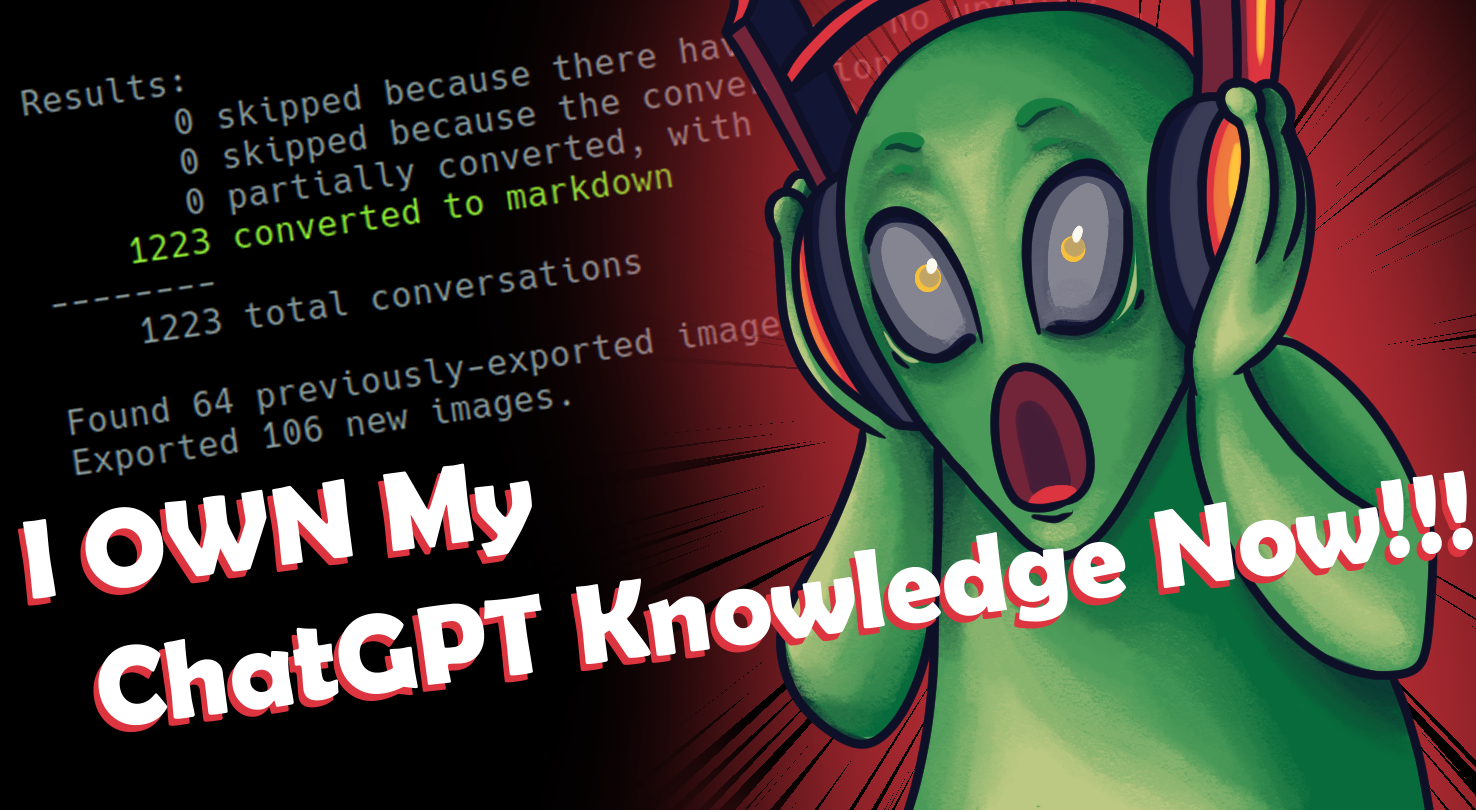
A Permanent, Local Home for Your ChatGPT Knowledge
ChatKeeper turns your official ChatGPT export into local Markdown and image files, creating a private, searchable archive that lives on your own system. Preserve the structure and useful details of your ChatGPT conversations, including timestamps, citations, images, visible reasoning, and canvas content. Run it again later with a future export to add new conversations and update existing ones in place, even after you move, rename, or annotate them.
Latest Release: ChatKeeper v2026.03.046 - March 22, 2026
Adventure Build v2026.06.003 - June 22, 2026
“I just wanted to let you know that I've started using ChatKeeper and it's amazing.” - Actual Customer
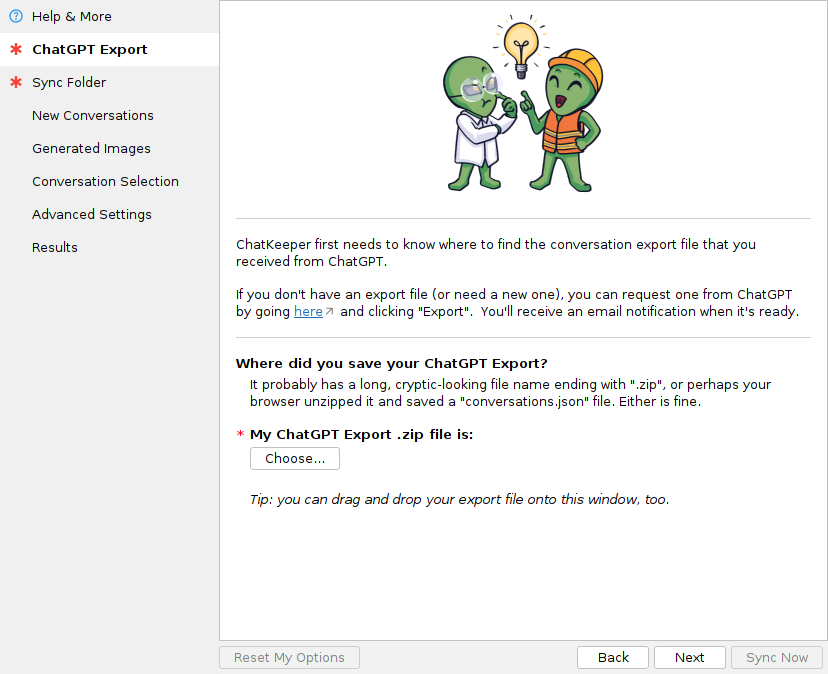
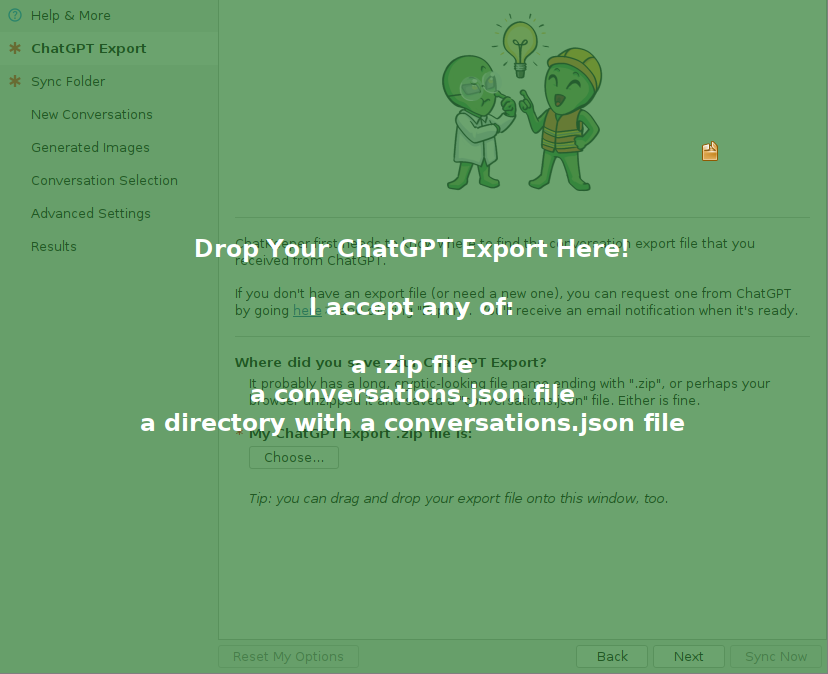
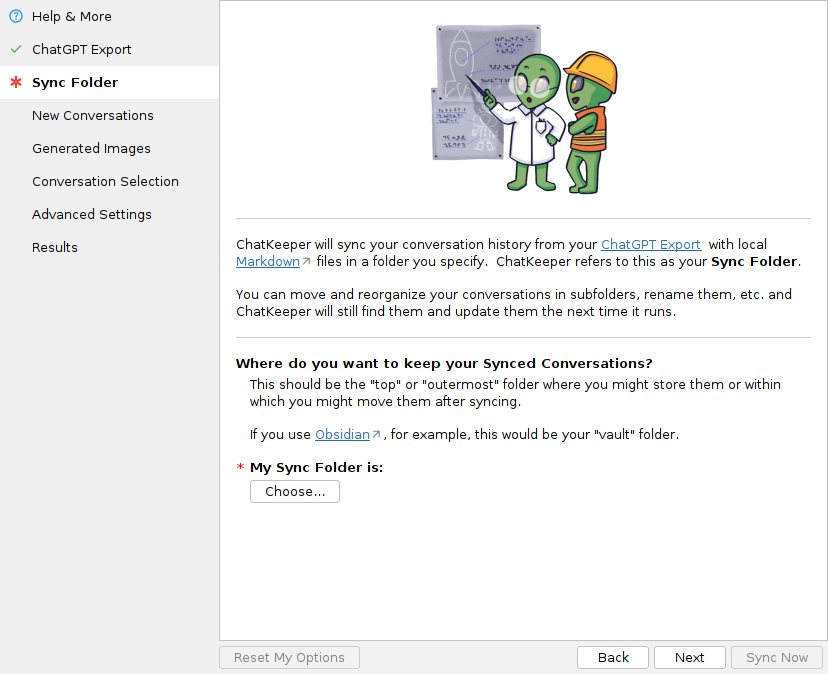
Desktop UI
Standard desktop installers provide ChatKeeper for Windows, macOS, and Linux. No browser extensions, no API key, no setup hassle, and no copy-pasting mysterious commands. Just install it, launch it, and generate or update your archive in a few seconds.
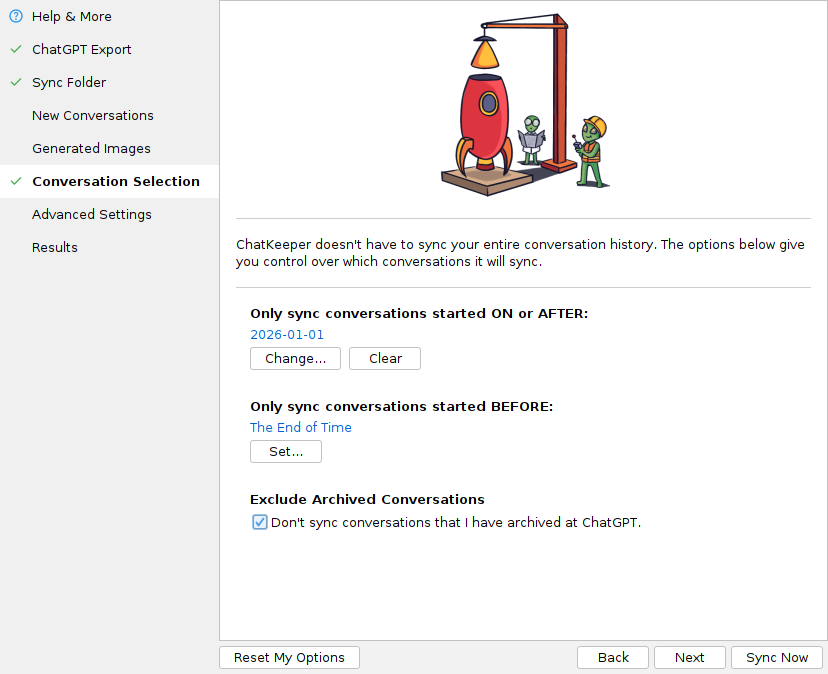
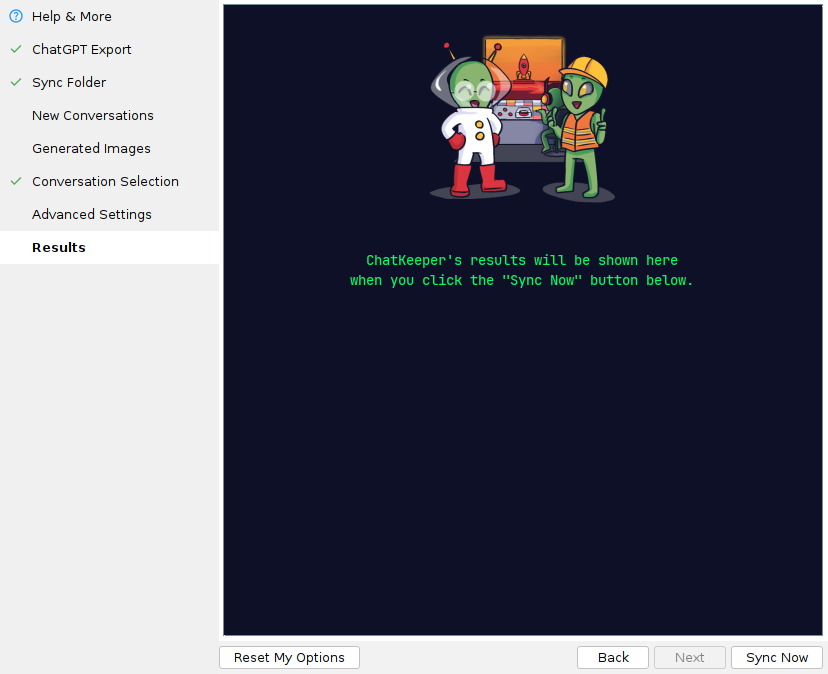
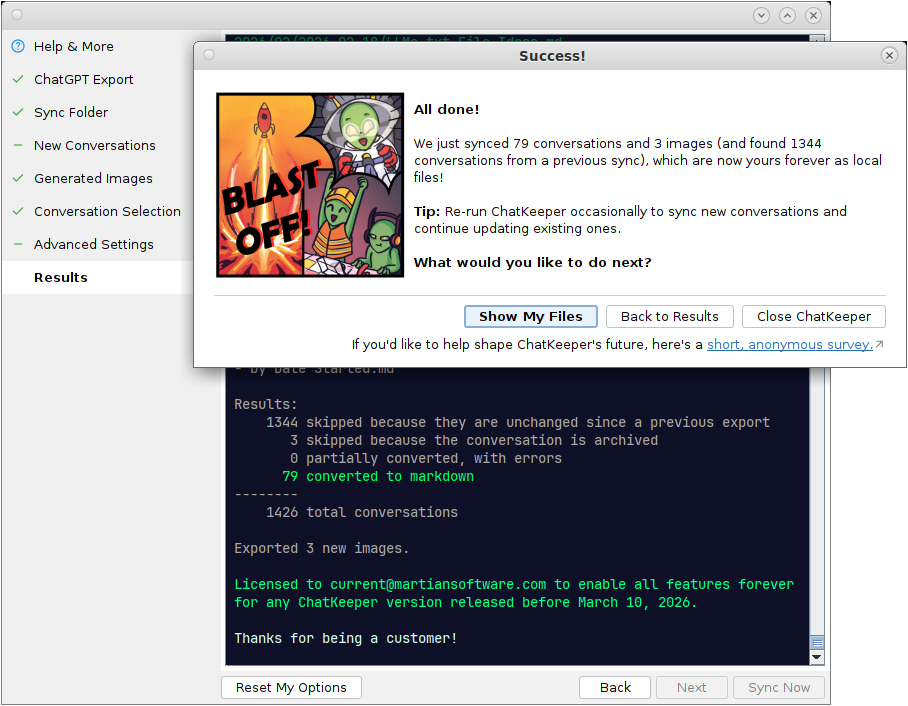
“It took me about 5 mins to figure out ChatKeeper (and then immediately buy the license) and it blew my mind.” - Actual Customer
What Makes ChatKeeper Different?
Most tools give you a snapshot. ChatKeeper helps you maintain an archive on your own terms. It does not connect to your ChatGPT account or use the network. You choose when to export and update your archive.
- Export your ChatGPT history. Here’s how.
- Run ChatKeeper to create local Markdown files. Use the GUI or the CLI.
- Organize those files however you want. Move them, rename them, mix them with related files, add metadata, etc.
- Export again later, and ChatKeeper finds the existing files and updates them in place.
ChatKeeper allows your ChatGPT history to become part of a long-term knowledge system instead of a pile of disposable exports.
For more details and instructions, see the ChatKeeper Quick Start Guide.
“Your program has already cut my work in half” - Actual Customer
What Makes ChatKeeper Different?
Free tools can be a great fit if you only need a quick import or if you want a workflow that lives entirely inside one app.
ChatKeeper is built for people who want a dedicated, local desktop tool focused on preserving their ChatGPT history as useful Markdown files.
It keeps track of conversations across future exports, preserves ChatGPT-specific details like citations, images, visible reasoning, and canvas content, and maintains files you can organize outside any single plugin or service and use with the tools of your choice.
- Maintains a local archive you can update over time
- Uses official ChatGPT exports
- Updates existing conversations in place
- Finds files even after moves or renames
- Preserves ChatGPT details like images, citations, visible reasoning, and canvases
- Does not require an API key or cloud account
- Installs easily like a normal desktop app
- Includes direct support from the developer
“I've spent the last week trying to figure out how to do this with no good results so I am very appreciative of you making this tool.” - Actual Customer
For People Who Build on Their ChatGPT Conversations
ChatKeeper is for people who treat ChatGPT conversations as long-term knowledge, not just disposable chat logs.
Return to old conversations in ChatGPT, continue them, and export again later. ChatKeeper updates the local Markdown files you've already organized alongside your other notes and files.
Build real work from them over time in a stable, local home.
The Second Brain Builder: Treating ChatGPT as a continuous source of knowledge, you want every useful conversation turn stored, searchable, and interconnected.
Your Conversations Are More Than Just Chat
ChatGPT conversations are not always just plain text. ChatKeeper preserves useful exported details such as timestamps, citations, images, visible reasoning, and canvas content, so your local files stay closer to the conversation you actually had.
Your Knowledge in Your System
ChatKeeper creates clean Markdown files that work naturally with standard Markdown tools, viewers, and PKM software. Style, organize, and access your knowledge however you choose with whatever tools you prefer.
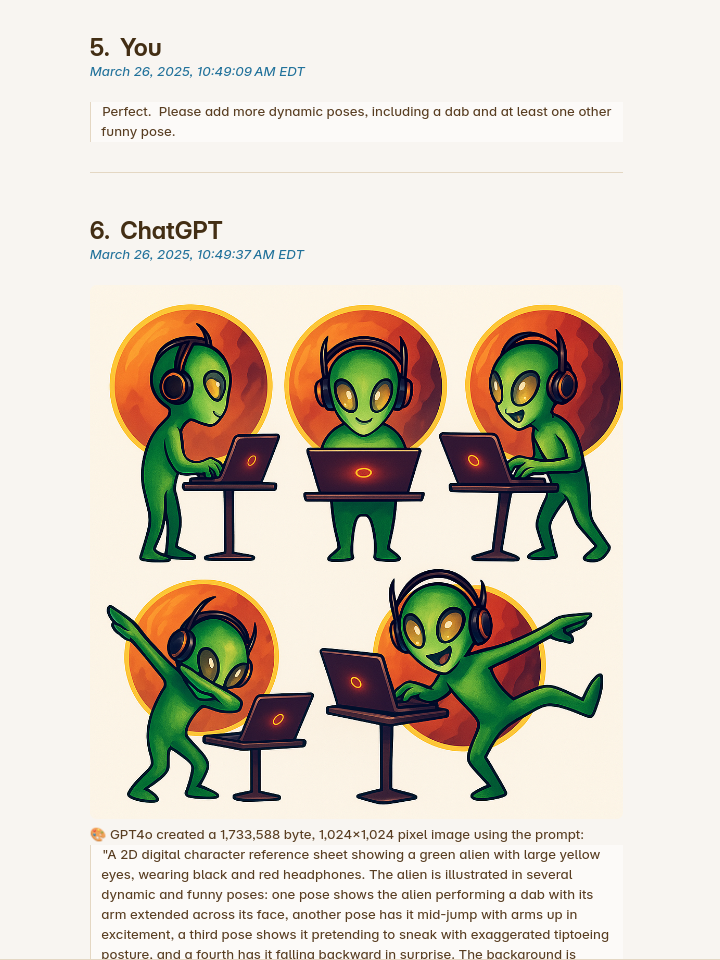
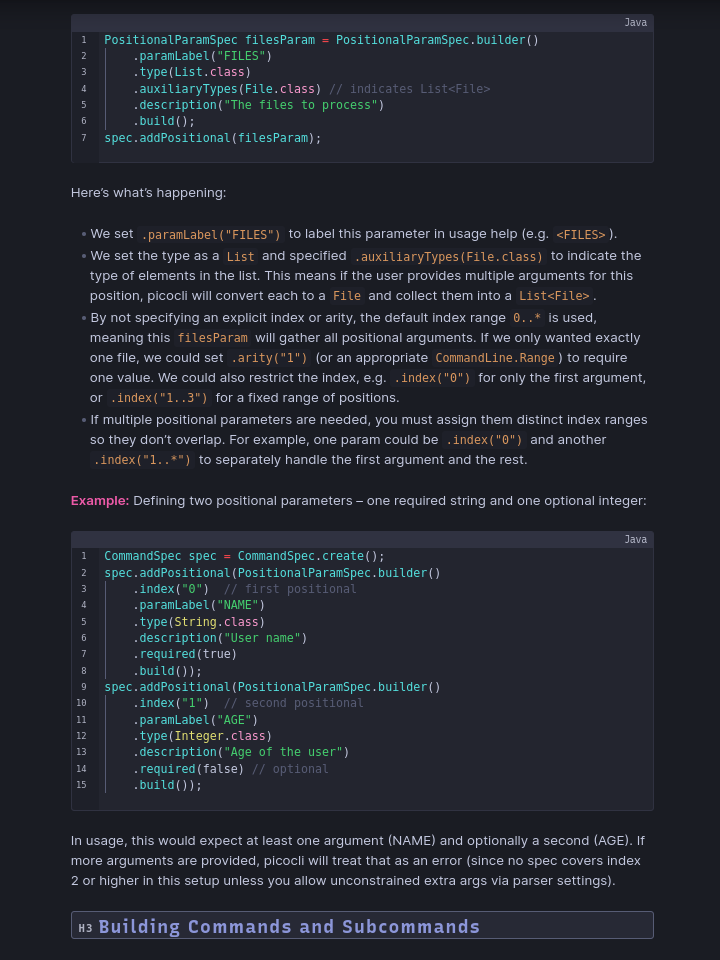
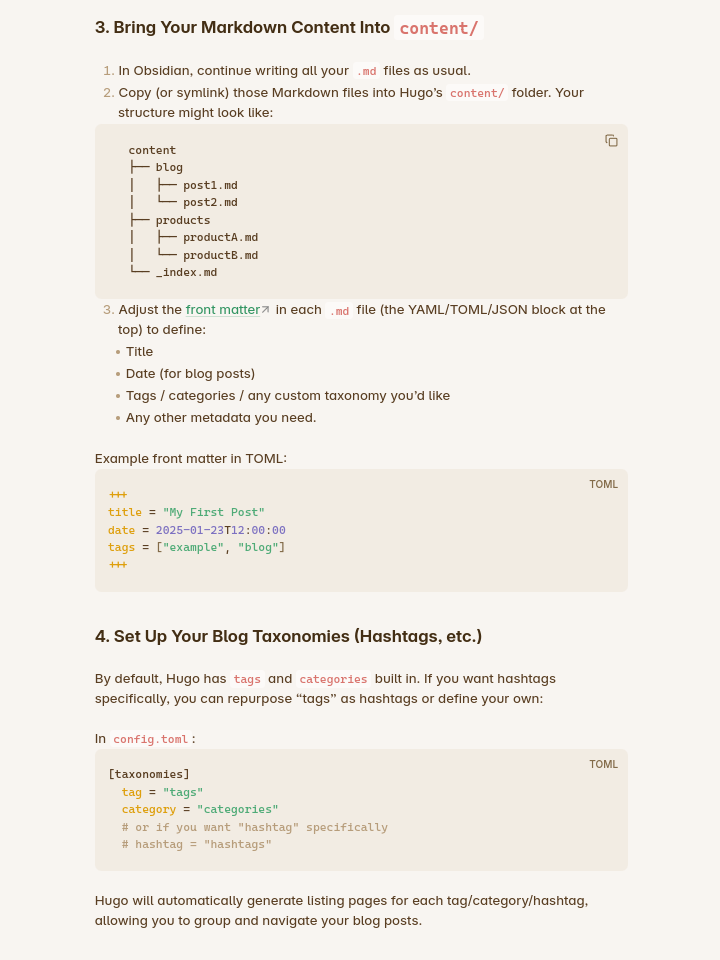
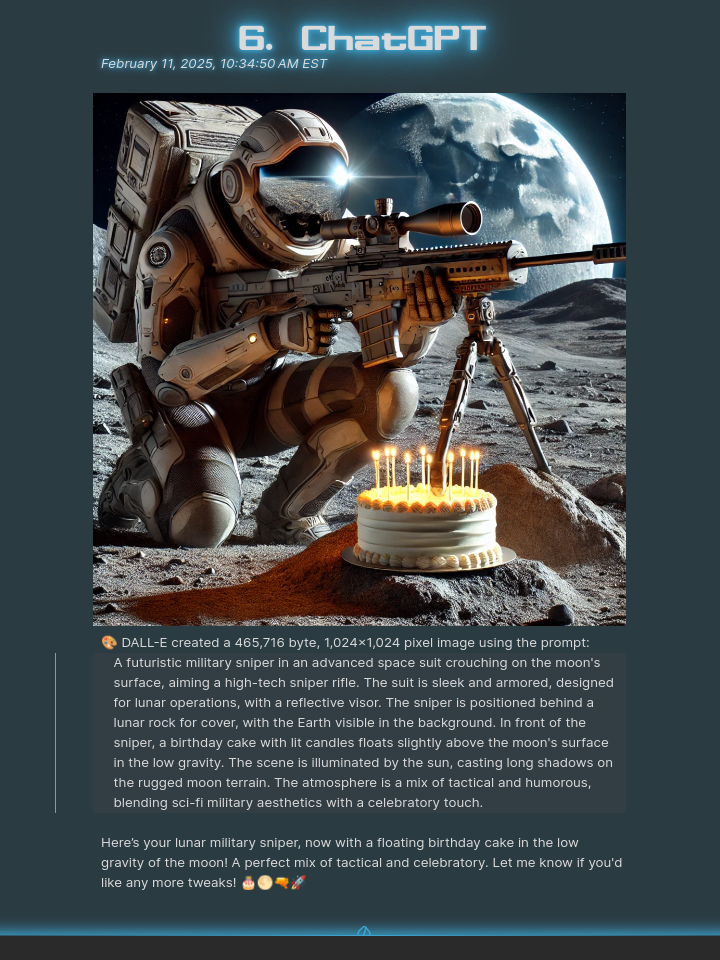
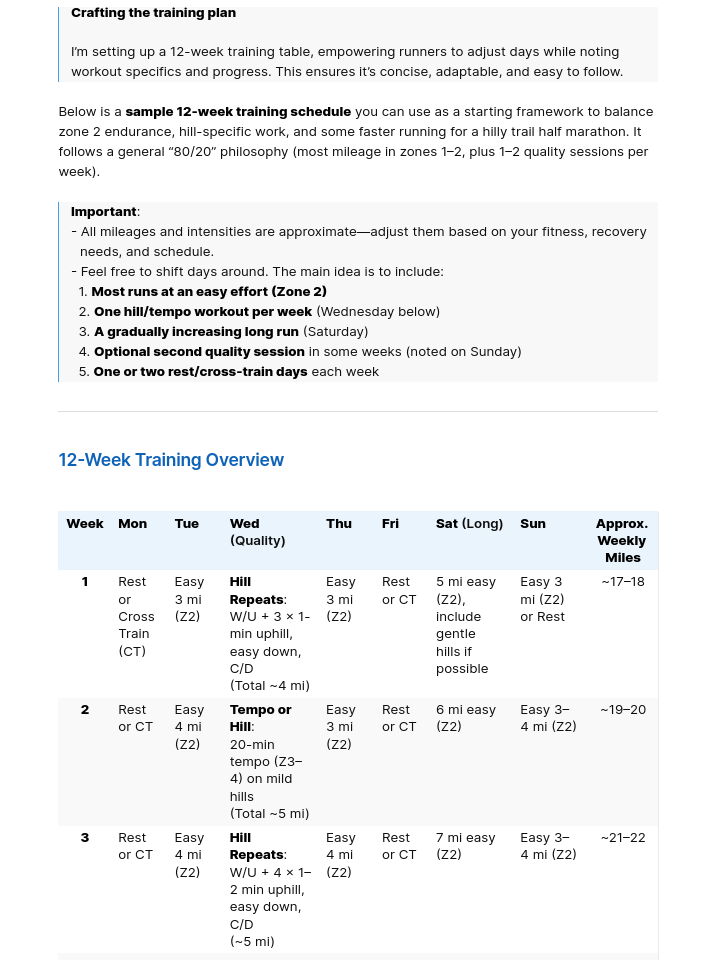
“People need to see how good your chat formatting is, the accurate timestamps, the numbered headers, the note index feature...” - Actual Customer
Fit Into Your Workflow
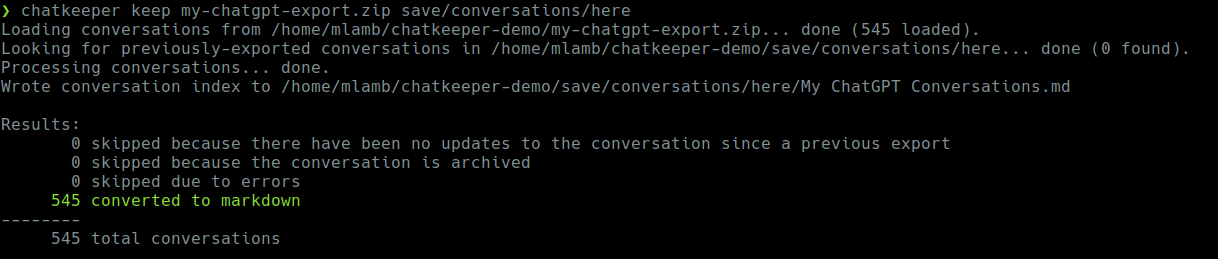
Power user? Automate everything with ChatKeeper’s command line interface.
Simple Pricing for a Permanent Archive
ChatKeeper is a one-time purchase for people who want a durable local ChatGPT archive, not yet another subscription. Try the full workflow with your first 30 conversations for free. A paid license removes that limit and includes one year of updates, which matters because ChatGPT’s export format changes over time.
| Free/Trial Version | Forever License | ||
|---|---|---|---|
| Price | FREE | $29.99 | |
| How long can I use it? | Forever, with limited functionality | Forever | |
| Software Updates (bug fixes, new features) | Forever, with limited functionality | Includes updates released within one year of purchase. You can keep using those versions forever. | |
| Platforms | Windows, Linux, Mac | Windows, Linux, Mac | |
| Compatible ChatGPT Plans | Free, Plus, and Pro | Free, Plus, and Pro | |
| Conversation Limit | 30 | Unlimited | |
| — | — | — | |
| Sync Your Chat History with Local Markdown Files | ✅ | ✅ | |
| Find and update previously exported conversations | ✅ | ✅ | |
| Linkable, numbered headings for each message | ✅ | ✅ | |
| Preserve edited YAML front matter on updates | ✅ | ✅ | |
| Privacy-Focused with Zero User Telemetry | ✅ | ✅ | |
| Include Images | ✅ | ✅ | |
| Include Citations and Sources | ✅ | ✅ | |
| Include Visible Reasoning | ✅ | ✅ | |
| Include Canvases | ✅ | ✅ | |
| Include timestamps for each message | ✅ | ✅ | |
| Create index by conversation start date | ✅ | ✅ | |
| Create index by last update date | ✅ | ✅ | |
| Include title + creation & update dates in YAML front matter | ✅ | ✅ | |
| Include dates of every message in YAML front matter | ✅ | ✅ | |
| Run a “dry run” (simulate export without writing files) | ✅ | ✅ | |
| (Optionally) Resync ALL conversations even if unchanged | ✅ | ✅ | |
| Quick and Easy Platform-Native Installers | ✅ | ✅ | |
| Works with any Markdown tool — Designed with Obsidian in mind | ✅ | ✅ | |
| Filter conversations by date | ❌ | ✅ | |
| Skip archived conversations | ❌ | ✅ | |
| Support | ❌ | ||
More Real Quotes From Real Users
FAQs
Can I try it before buying?
Yes! The free trial lets you process your first 30 conversations so you can see how ChatKeeper works with your own export before buying.
Is ChatKeeper a subscription?
No. ChatKeeper is a one-time purchase. A Forever License unlocks unlimited conversations and includes updates released within one year of purchase. Licensed versions keep working forever. I assume that you are as tired of subscriptions as I am, so I chose a model where you can keep using the software you bought.
Is my ChatGPT data private?
Absolutely. Your privacy is extremely important to me. ChatKeeper runs locally on your computer. It works from the official ChatGPT export file you provide and does not upload your conversations anywhere. ChatKeeper's full privacy policy is available here.
Does ChatKeeper connect to my ChatGPT account?
No. ChatKeeper works from your official ChatGPT export file. You do not need an OpenAI API key, and ChatKeeper does not connect to your ChatGPT account.
Do I need an API key?
No. ChatKeeper does not use the OpenAI API and does not require an API key. It processes the official export file you get from ChatGPT, which contains your conversations and metadata in JSON format.
Why not just use a free exporter?
Free exporters can be fine for a one-time copy. ChatKeeper is for people who want a long-term local archive they can keep organizing and updating across future exports.
Why would I need updates?
ChatGPT's export format is undocumented and can change. Updates help ChatKeeper keep working when that happens, and also include bug fixes and new features. A Forever License includes updates released within one year of purchase, and any licensed version you receive during that period keeps working forever.
Please see the ChatKeeper Roadmap for information about pending updates and consider signing up for the Martian Software newsletter to be notified when they are released.
Why do you call it a Forever License if it only includes one year of updates?
It's a "Forever License" because you can literally keep using the software forever. Although ChatKeeper checks your license, that check happens only on your computer. I cannot remotely turn off a license you already bought. In other words, when you have a licensed version, that version will work for you forever, with full functionality, even if you never renew your license.
Updates are a little different. When you buy a Forever License, you also get all updates for one year. Once your license expires, you can keep using any version released before it expired forever, with full functionality. If you need or want a new version that is released after your license expires, you'll need a new license to access all features of those updates.